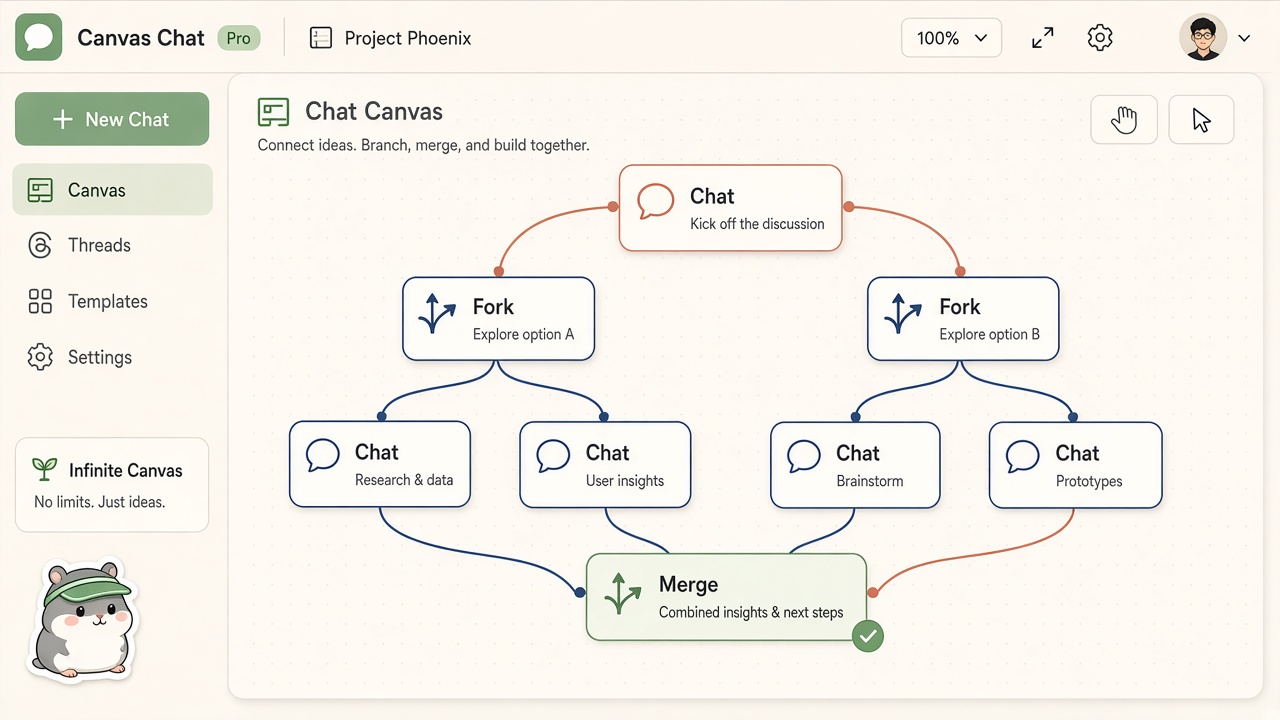
Branch & merge canvas
Desktop AI office companion. Local Hermes gateway. Setup.exe 2.2.33 is ready.
Get Setup.exePetPetAgent · Windows desktop · office companion
A native Windows app with a local Hermes gateway — teammates, a branch-and-merge chat canvas, connectors, and shop skins. Not a website chatbot.
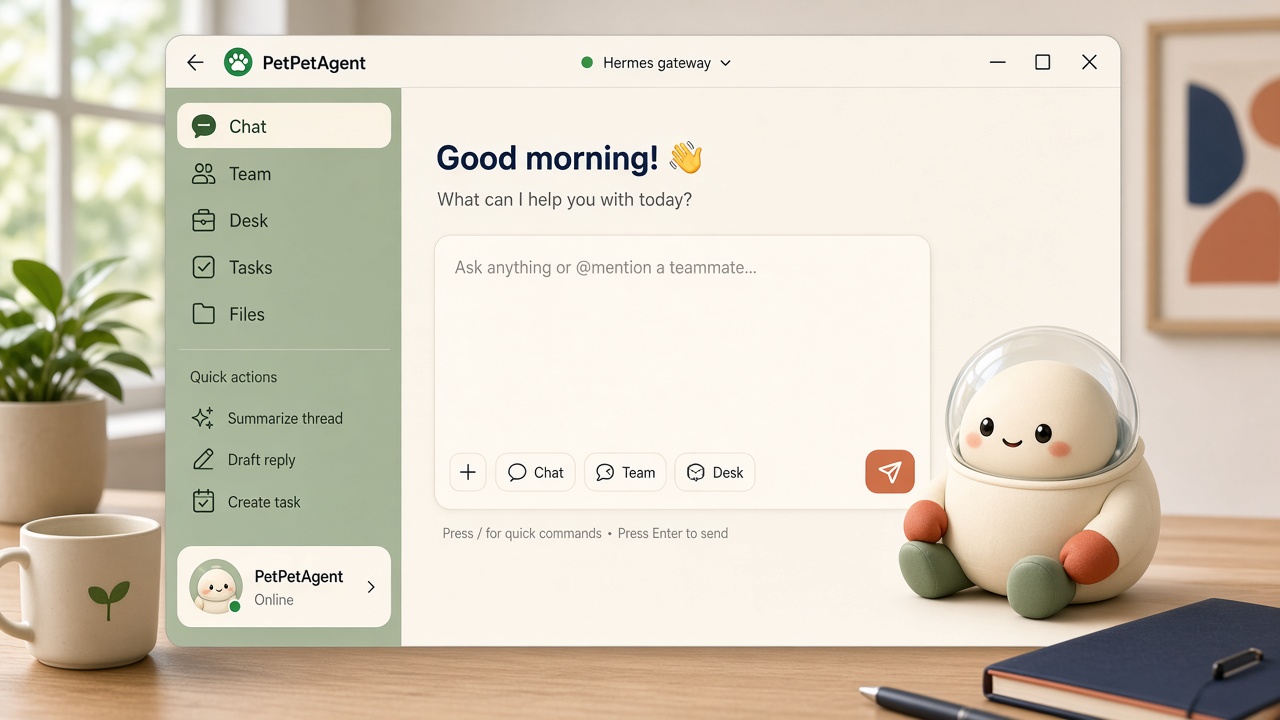
Branch & merge canvas
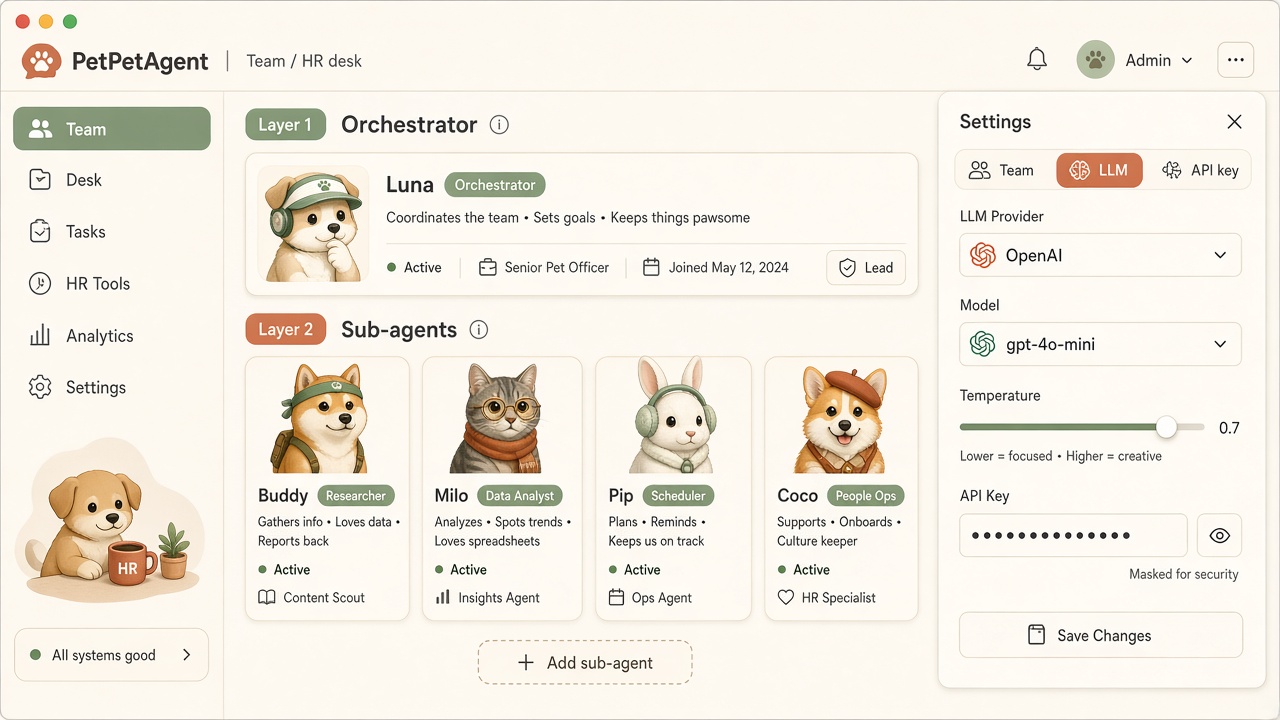
Team · People desk
Built for the desk, not a browser tab
PetPetAgent is a playful office pet companion that actually runs an agent gateway locally — chats, skills, and Hermes files stay on your Windows machine unless you choose a networked tool.

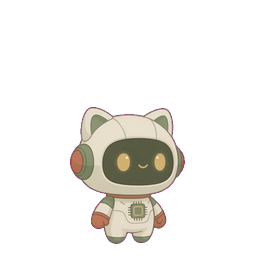
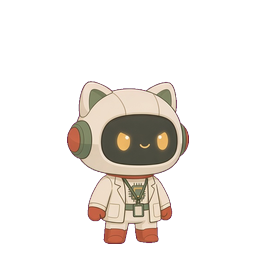
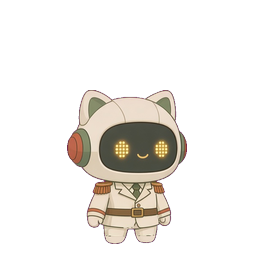
A Tauri Windows app with a desk, stations, and a pet that clocks in beside you.

First-run installs and starts Hermes on this PC. It is not a hosted website chat.

People / Team: multiple agents, an LLM per teammate, right-side settings, masked API keys.

Branch chats, merge them, and see parent and merge lines on an infinite canvas.

Onboard teammates, pick an LLM per profile, edit settings in the right panel.
Fork a reply, merge two threads, keep the lineage on screen.
Hermes official env fields plus scanned keys. Censor, reveal, write to .env.

Composio toolkits with optional credits — hook the agent into tools you already use.

Departments for automation (n8n), skills, home, IT, and People work.
Featured objects
Desks, devices, and office tools you can place in the companion — the same objects that show up in the app.


More objects unlock in the app
Level, titles, and the Mine gallery stay on the desk — collect skins, objects, and stamps without leaving the office.
See all features →Simple by design
Download Setup.exe, finish first-run (Hermes gateway starts locally), and you are in the office. Later versions arrive from Settings → About — you do not need a new website download every time.

Hermes is included. You do not assemble a developer stack before the first useful run.
The chat toolbar dropdown switches which agent gateway handles the thread.
Check for updates in Settings → About. The public installer on this site stays on 2.2.33 until we publish a new Setup.exe.
The same Windows companion covers teammates, branching chat, and department stations.
Multiple agents on one desk. Each teammate gets its own LLM. Keys stay masked until you reveal them.
Turn a linear thread into a map: fork, merge, and keep parent lines visible so you can see how work split and came back together.
Walk the office: Automation (local n8n), Skillbook, Home, IT, People. Each department is a door, not a hidden settings page.
What's included

A gateway on this PC: memory, skills, and files you can still open after chat.

People desk: onboard, train, and give each teammate its own LLM.
Infinite canvas with forks, merges, and visible parent lines.
Locale-aware skill cards — short titles and blurbs in your language.
Dark, light, and cartoon theme families, plus Mine gallery and titles.
Optional connector credits via Stripe. Download does not require a purchase.
No. PetPetAgent is a Windows desktop app with a local Hermes gateway. This site is for download, billing, and product info.
Hermes Agent by Nous Research is the default local runtime: memory, skills, and on-device work. See Introduction for why we paired it.
Local-first by default. Chats and Agent files stay on your device unless you use networked features such as connectors or billing. Read Privacy for details.
Optional credits for Composio connectors, billed with Stripe after you install. You can download and run the companion without buying credits.
In the app: Settings → About → check for update. You can also download Setup.exe 2.2.33 from this site.
Windows only. There is no Mac or Linux installer on this site.
Yes. Download and run the companion without buying credits. Credits are optional, only for Composio connectors after you install.
Yes. Team lets you hire teammates and Edit each agent’s model. Skills lists playbooks it already learned.
Connectors attach 1,000+ tools and more than 20,000 APIs and MCP endpoints so the companion can work inside accounts you already use.
“A desk companion, not a lonely chat box in a browser tab.”
— PetPetAgent“Branch and merge chats with lines you can actually see.”
— PetPetAgent“API keys stay censored until you choose to reveal them — then write to Hermes .env.”
— PetPetAgent
Download Setup.exe 2.2.33. First-run starts the local Hermes gateway.